Free. Open source. Community built.
Your games.
Your progress.
Your workspace.
Achievement, stat, presence, and profile tools in one place. Built for people who like to explore what their games can do.
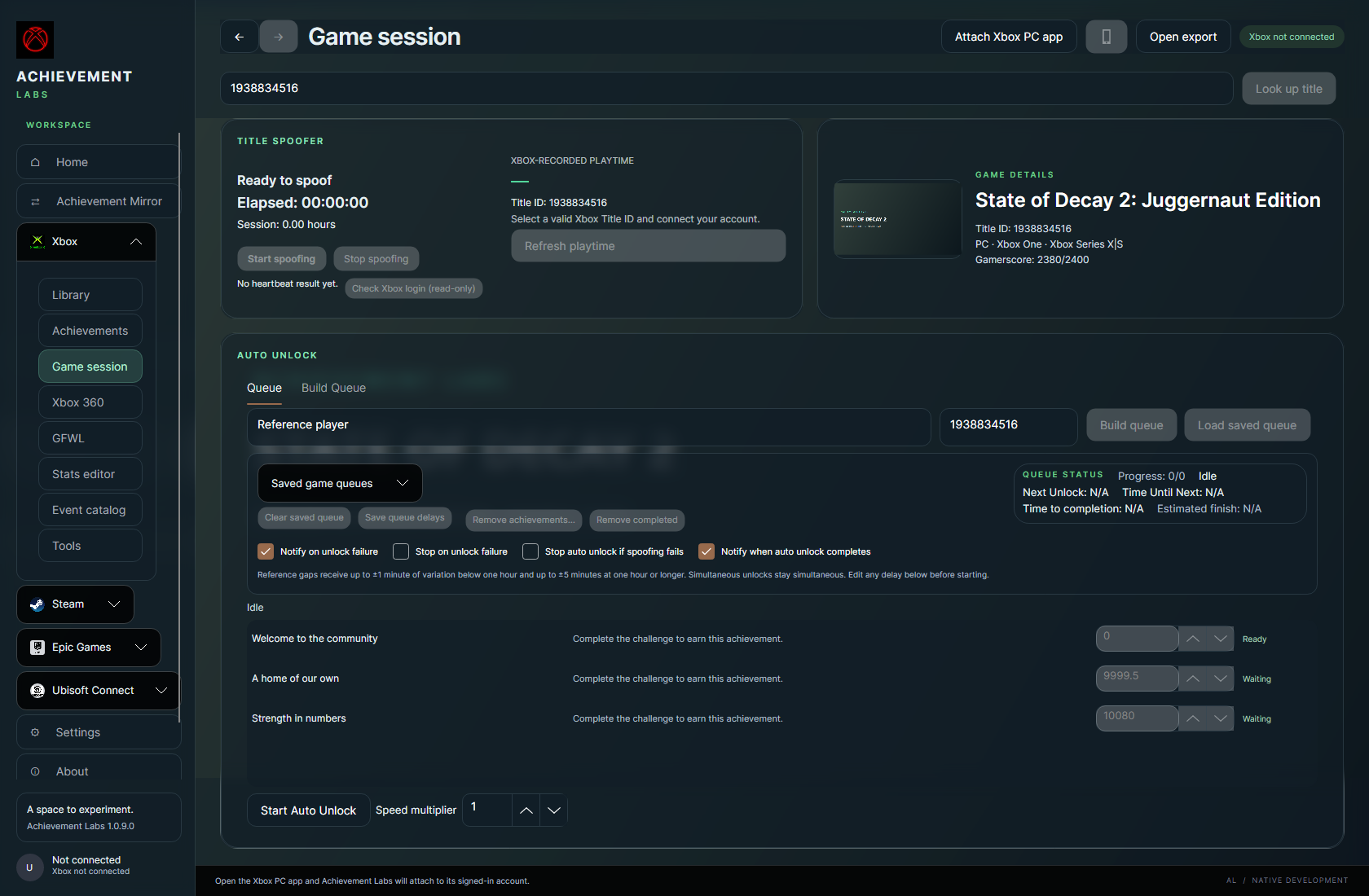

Actual app interface · offline preview with sample data
Built with the community
Bring your curiosity.
We’ll bring the tools.
Share discoveries, request games, report a bug, or help test what’s next. Achievement Labs grows through the people who use it.
On your desktop
Less switching.
More exploring.
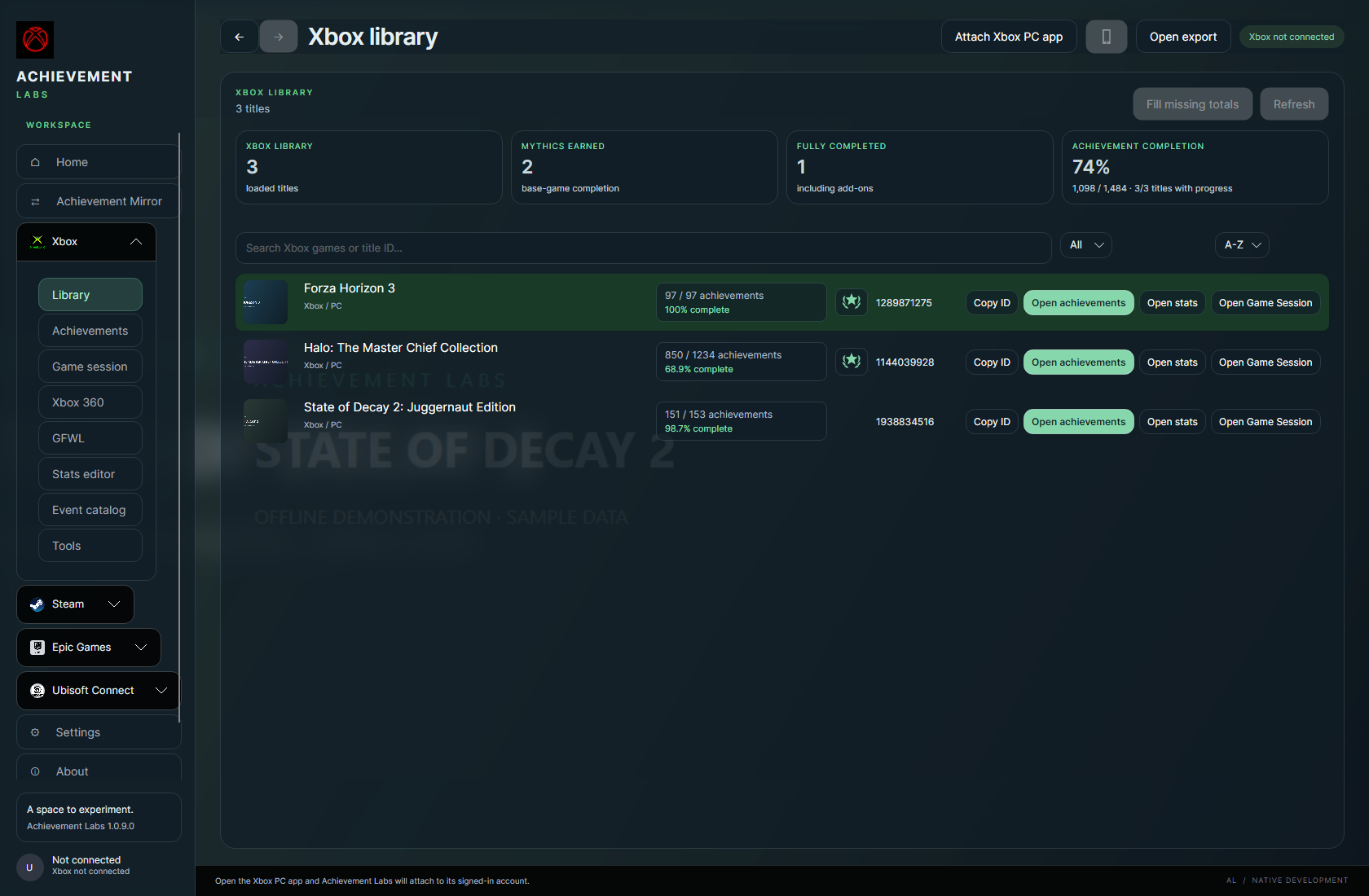
Browse your library, inspect achievements, and keep title presence and queues together in Game Session. Go deeper with stats and exported Xbox 360 profiles.
- Xbox library, achievements, and event support
- Game Session timing and saved queues
- Xbox 360, GFWL, and Windows game-service tools
On your phone
A familiar toolkit.
A smaller screen.
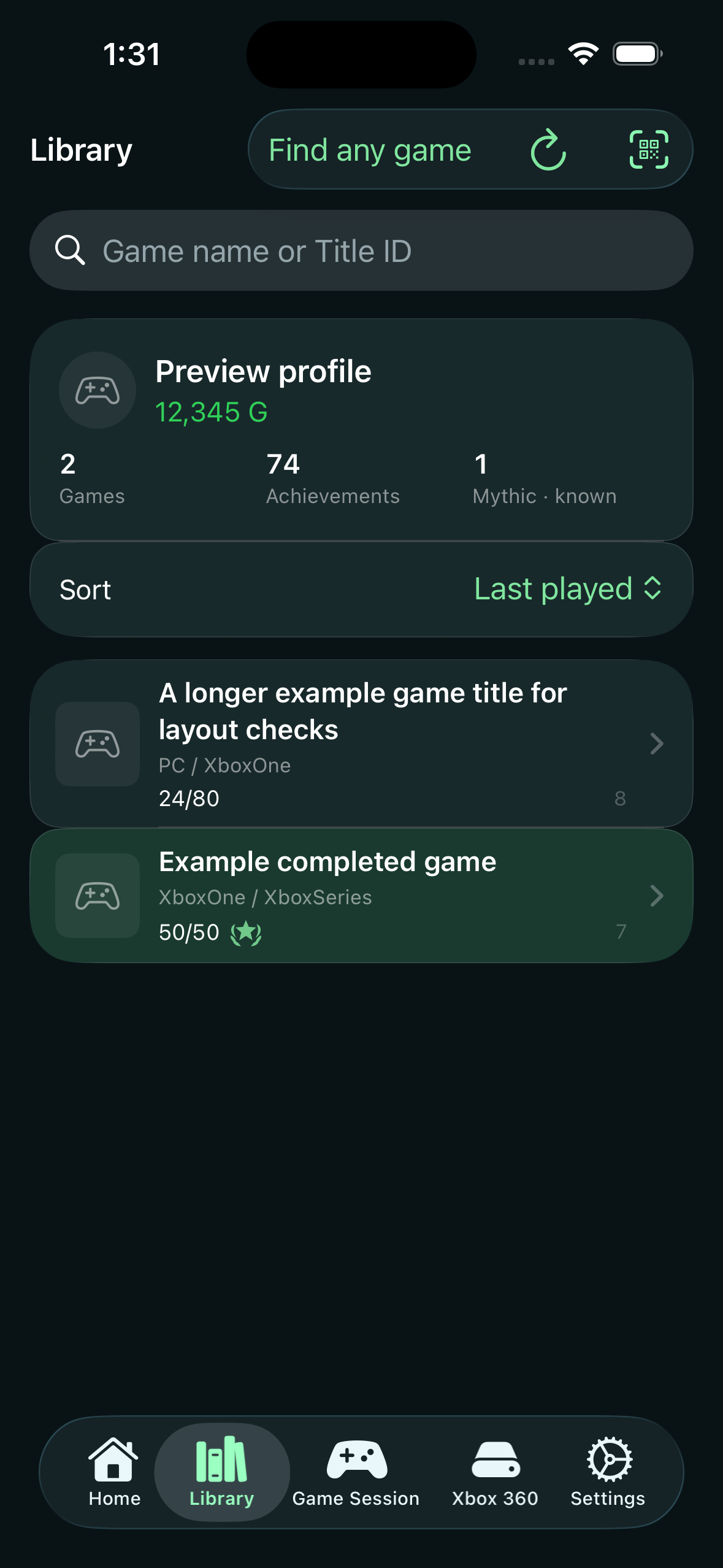
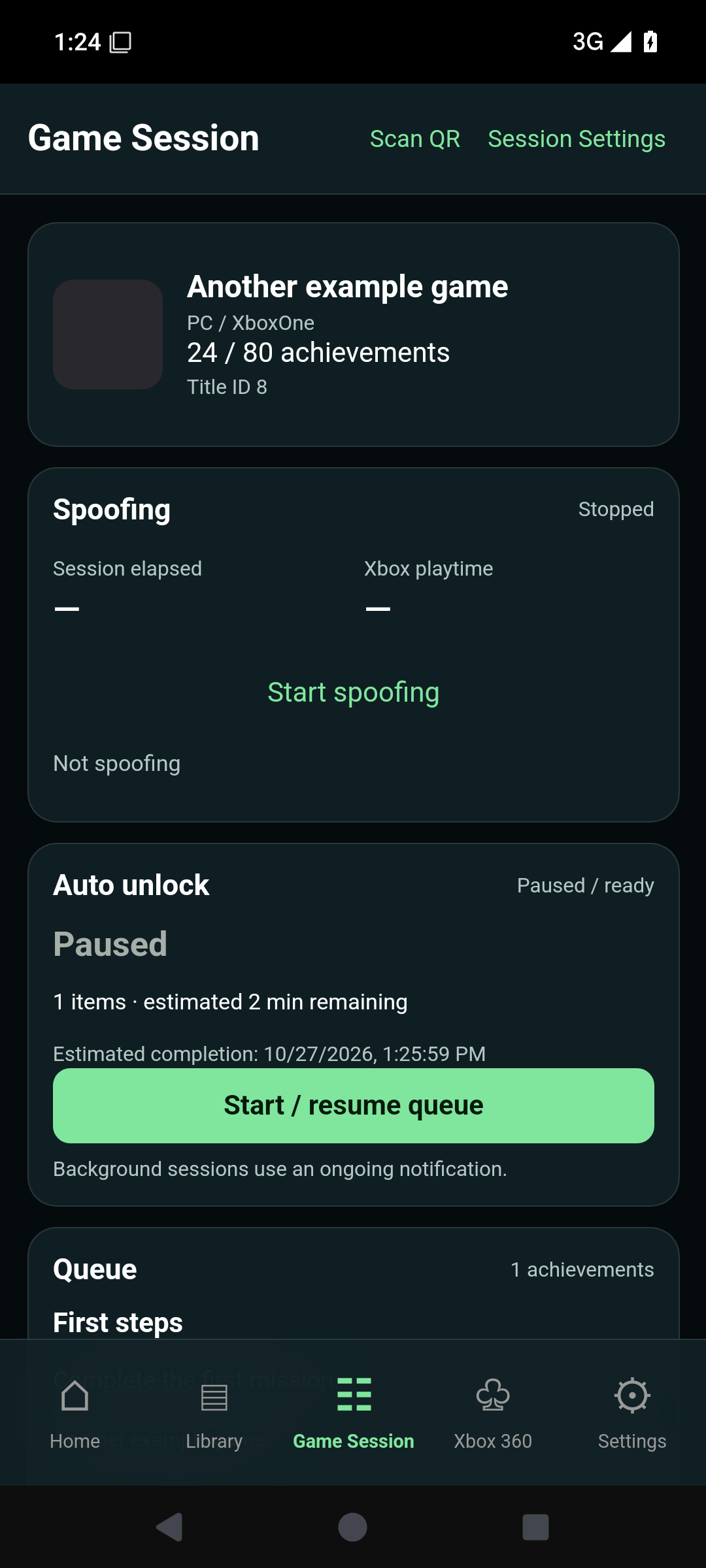
The Android and iOS betas bring library browsing, Game Session controls, and exported Xbox 360 profile tools to your phone. Each app has its own platform guide and current limitations.
Development builds; installation and signing requirements vary by platform.
Steam is here, too
Your Steam library.
The same curiosity.
Steam achievement tools are available in the Windows desktop app today. Browse installed games, inspect achievement definitions, and manage achievements through our integrated Steam Achievement Manager workflows.
Available on Windows desktop
A familiar toolkit, together.
- Installed Steam game library and achievement browsing
- Achievement management and game reset tools
- Steam game sessions and presence tools
Steam coverage is separate from the Xbox game-support search. Availability depends on the game and its Steam integration.